Free online form builder. No account, even to publish.
Build it right here and share the link in minutes. Unlimited responses, no ads. Online since 2003.
Loading the form builderThe form builder did not load. Please reload the page.
Used by 650 million+ people since 2003
More than 6 million votes counted in a single day.
Free forms with no sign-up and no limits
Build a form, publish it, share it and read every answer, all on the free plan.
- No sign-up, even to publish
- Unlimited responses
- No ads on your form
- No account to respond
- 32 block types
- File uploads and signatures
- Logic rules and endings
- Themes, light or dark
- Share by link or QR code
- Embed on your site
- Results with charts
- CSV and Excel downloads
Make a form in three steps
The builder at the top of this page is the real editor. There is nothing to install.
Free. No account, even to publish.
Add your questions
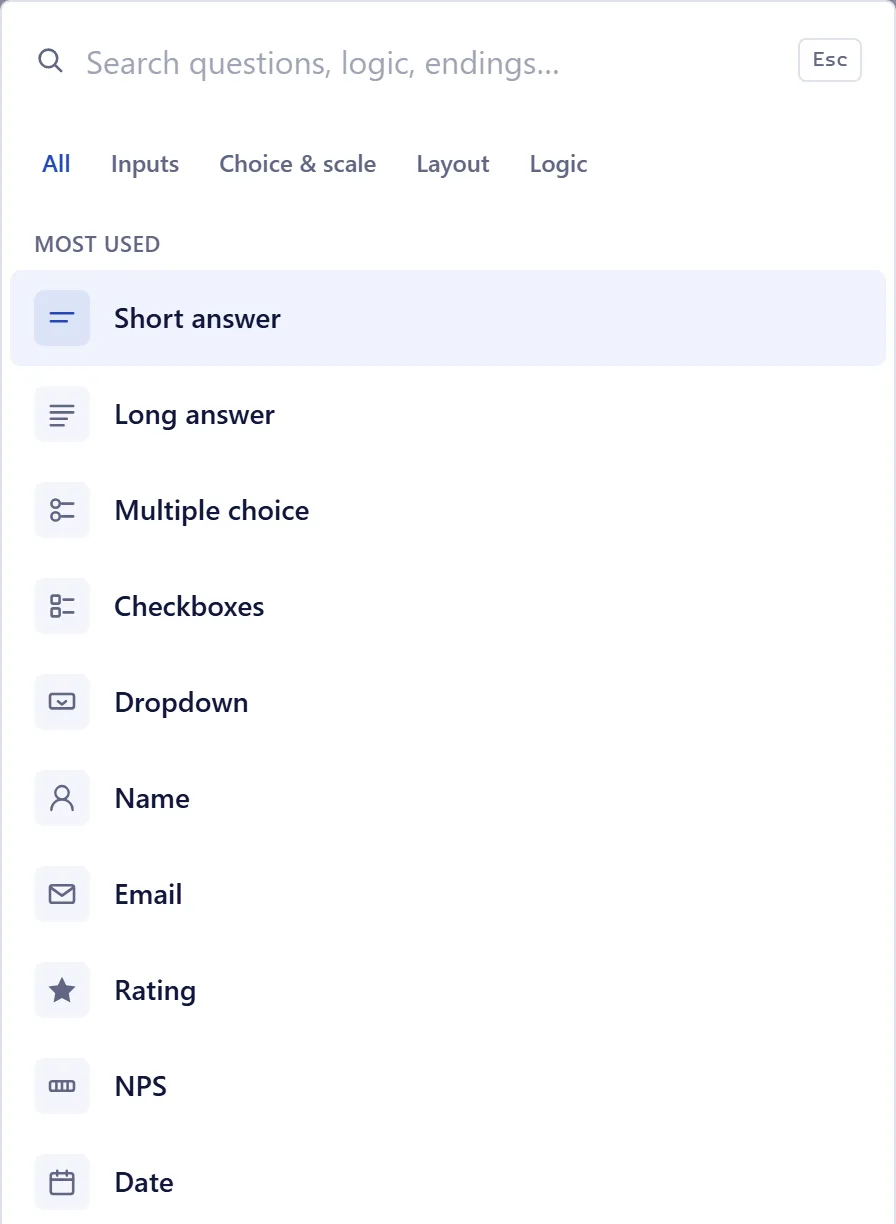
Press Add your first question and pick from 32 blocks, from multiple choice to file uploads and signatures. Have a list already? Paste it with Import questions.
Set the look and the rules
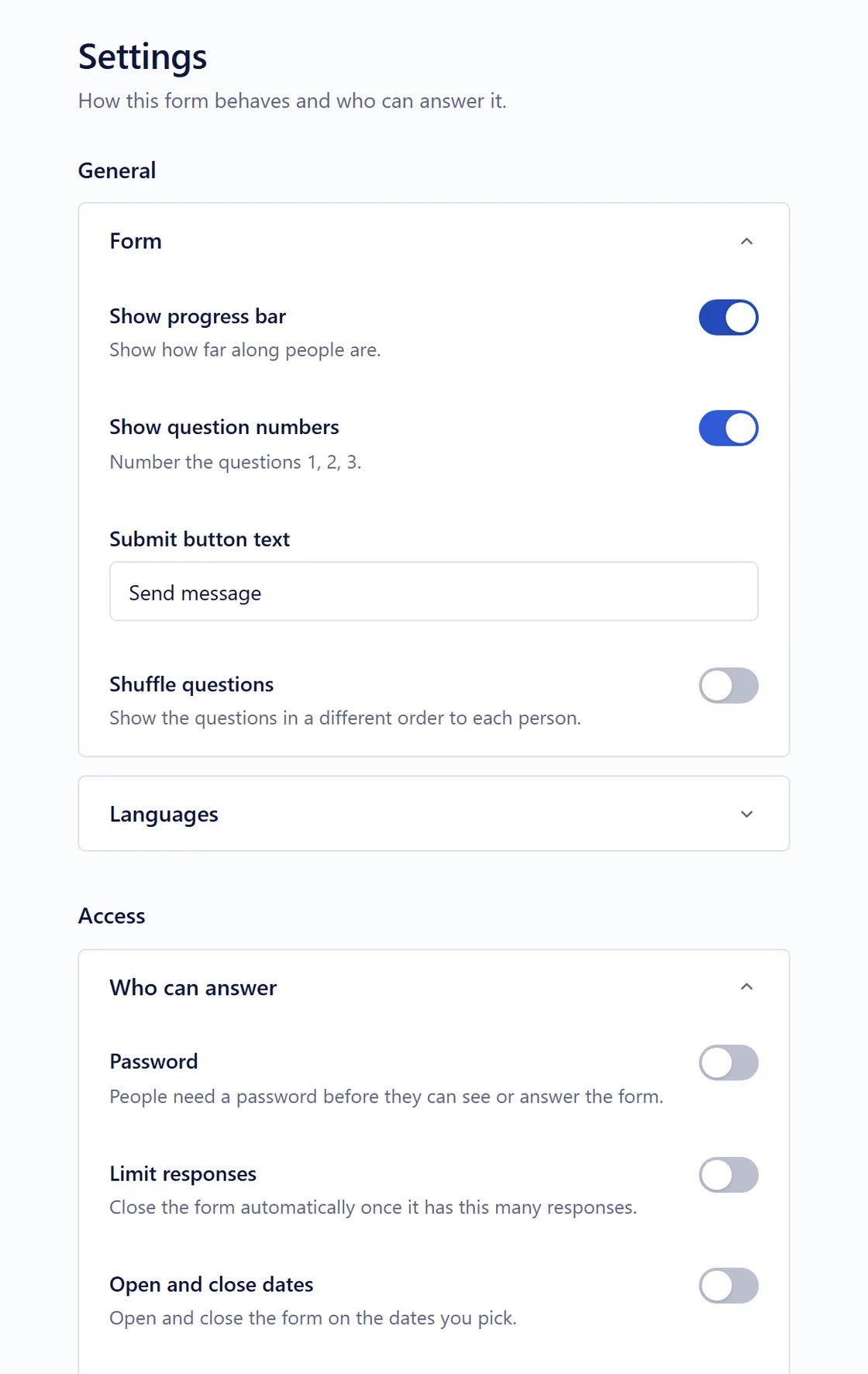
Pick a theme on Design, light or dark. On Settings, turn on a progress bar, open and close dates, a password or one response per person.
Publish and share
Press Publish and your form is live, no account needed. Copy the link, embed the form on your site or download its QR code. Answers arrive on the Responses tab.
Every field a real form needs
32 question and layout blocks, all in the same editor and all free.
Contact details
Name, email, phone number, address, website link and a consent checkbox.
Choices
Multiple choice, checkboxes, dropdowns, yes or no, picture choice and ranking.
Ratings
Rating scales, Net Promoter Score, a matrix or Likert grid and a slider.
Text, numbers and dates
Short and long answers, numbers, dates and times.
Files and signatures
People upload a photo or a document, or sign on the screen.
Layout and logic
Headings, images, video and page breaks, plus rules that skip ahead, end the form or add up a score.
Which form do you need?
Find your job in the left column. Each row names the fields to add, the settings to turn on and a ready set of questions to start from.
| The form | Fields to add | Settings to turn on | Questions to start from |
|---|---|---|---|
| Contact form | Name, Email, Long answerThree blocks are enough | Spam: Block spam botsScreens out automated answers | Contact form templateOr paste a list with Import questions |
| Event RSVP or registration | Name, Email, Dropdown, DateA dropdown for sessions or meal choice | Open and close datesCloses the form on your deadline | RSVP form or event registration formDate not fixed yet? Agree it first with a scheduling poll |
| Job application | Name, Email, Phone number, File upload, Consent checkboxThe checkbox records consent | Let people finish laterThey pick up where they left off | Job application form and questionsAdding a personality test? Read the evidence first |
| Order request | Dropdown, Number, Name, Email, AddressA dropdown for the item, a number for how many | Limit responsesCloses once you have that many orders | Start blankPaste your item list with Add options in bulk |
| Customer feedback | Rating, NPS, Long answerOne open question at the end | One response per personOne answer from each customer | Customer feedback formIT service or vendor feedback questions |
| Employee survey | Matrix / Likert, Slider, Long answerA grid keeps a long survey short | Show progress barAdd a Page break every few questions | Employee engagement questionsCompensation review questions |
Start from a ready-made form
The forms people make most, each one tried and trimmed to the questions that matter. Open one, change anything and share it.
Registration form
9 questionsabout 1 min
Use templateContact form
6 questionsabout 1 min
Use templateLead generation form
9 questionsabout 1 min
Use templateCustomer feedback form
11 questionsabout 2 min
Use templateEvent registration form
10 questionsabout 1 min
Use templateJob application form
13 questionsabout 3 min
Use templateQuote request form
11 questionsabout 2 min
Use templateRSVP form
7 questionsabout 1 min
Use template
Customer satisfaction survey
7 questionsabout 1 min
Use templateWaitlist form
6 questionsabout 1 min
Use templateNewsletter sign-up form
4 questionsunder 1 min
Use templateClient intake form
13 questionsabout 2 min
Use templateAppointment request form
9 questionsabout 2 min
Use templateVolunteer sign-up form
11 questionsabout 2 min
Use templateFood order form
17 questionsabout 3 min
Use templateWedding RSVP form
16 questionsabout 2 min
Use templateFeature request form
8 questionsabout 2 min
Use templateMembership application form
14 questionsabout 2 min
Use templateSign-up sheet
6 questionsabout 1 min
Use template
The settings that get forms finished
In Nielsen Norman Group testing, forms that followed established design guidelines were submitted right the first time 78% of the time, against 42% for forms that did not. Most of those guidelines are one block or one switch in this editor.
Page break
Splits a long form into short pages. Add one once a form runs past about eight questions.
Show progress bar
Shows how far along people are, so they can judge whether to keep going.
Let people finish later
Remembers answers on their device, so someone who stops part way picks up where they left off.
Open and close dates
Opens and closes the form on the dates you pick. For RSVPs, application windows and order cut-offs.
Spam and one response per person
Blocks spam bots and stops people answering twice. For public forms and anything with a prize.
Password
People need a password before they can see or answer the form. For internal HR forms and confidential feedback.
Share it anywhere, read the answers live
Every route is on the Share tab the moment you publish, and one form can use all of them at once.
Share a link
Send it by email or chat. The Share tab shows how its preview will look in WhatsApp, iMessage, Slack, LinkedIn and X.
Embed it on your site
Eight styles, from a form inside your page to a popup, a side tab or a chat bubble. Paste the code into WordPress, Squarespace or any page you can edit.
Print a QR code
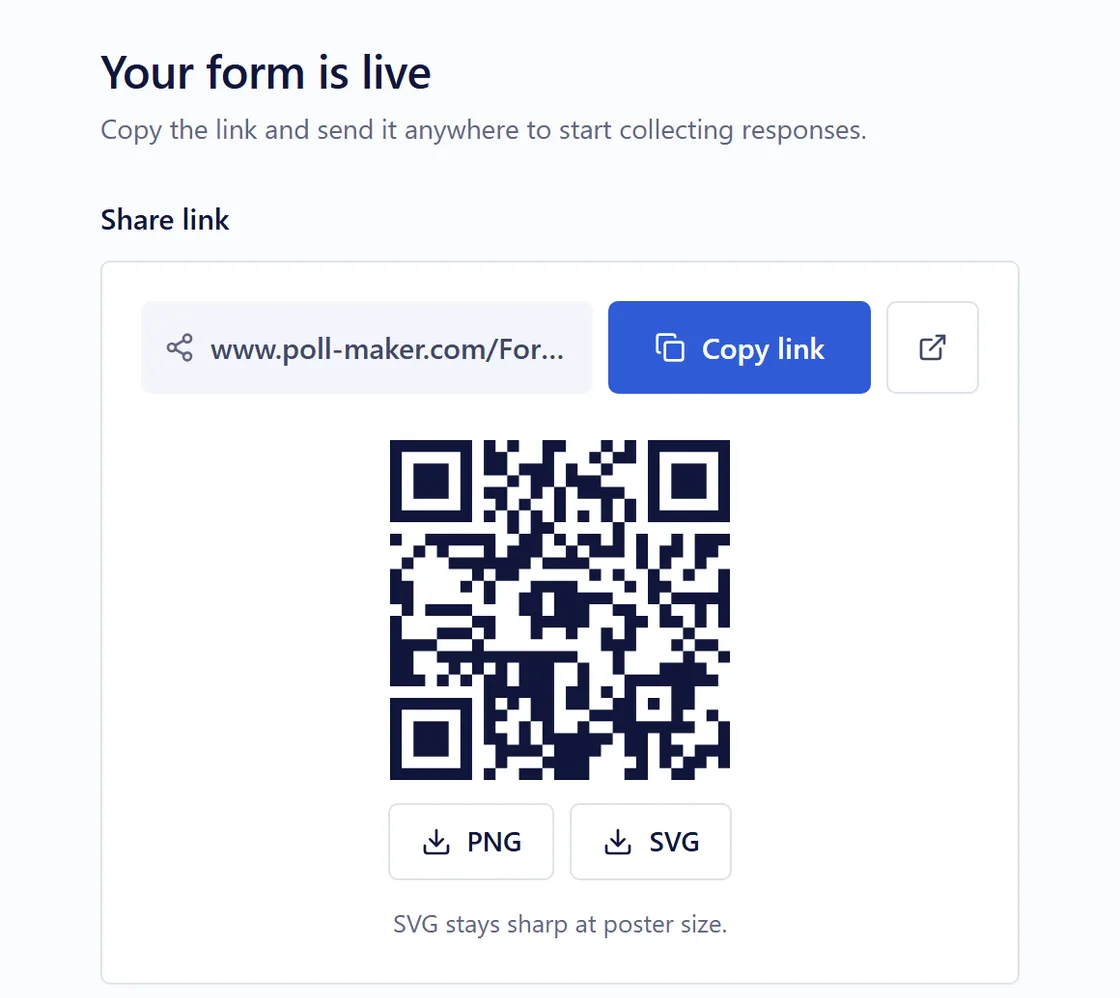
For posters, table cards and events. Download it as PNG, or as SVG to keep it sharp at poster size.
Pre-filled links
Links that fill in an answer for people, and an email button, under Advanced on the Share tab.
Results as they arrive
A summary chart for every question, each response on its own, and where people drop off.
Download the data
CSV and Excel, free. Unfinished answers too, when you choose to keep them.
Moving from Google Forms, Typeform or Jotform
You do not have to rebuild a form by hand.
Paste your questions
Copy the question list from your old form into Import questions. Then change any field that should be a date, an upload or a rating.
Rebuild the rules
A progress bar, closing dates and one response per person are each one switch in Settings.
Swap the embed code
Copy the new embed code from the Share tab and replace the old one on your page. Old responses stay where they are now.
Form builder questions, answered
Is this form builder free?
Yes. You build the form on this page, publish it and collect responses for free, with no account. There is no limit on responses and no ads on your form, so you can get a form live today and keep it running.
What is included in the free form builder?
Everything a working form needs: 32 question and layout blocks, from multiple choice and contact fields to file uploads, signatures and ratings; themes in light or dark; logic rules that skip ahead or add up a score; and a progress bar, open and close dates, a password and one response per person. Share it by link, embed or QR code, then read the answers on the Responses tab with charts and download them as CSV or Excel.
Is there a limit on free form responses?
No. A form takes every response people send, and it shows no ads. If you want a cap, turn on Limit responses in Settings and the form closes itself at that number.
Do I need an account to create a form?
No, not even to publish. Build the form here, press Publish and your link is ready to share. The editor saves your work as you go.
Do people need an account to fill in my form?
No. Anyone with the link, the embed or the QR code can fill in your form on a phone or a computer, with no sign-up and nothing to install. Their answers are saved as they go.
Can people upload files through my form?
Yes. Add a File upload block, and what people attach arrives with their response. It is the usual way to collect CVs on a job application form, photos on a damage report or receipts on an expense claim.
Can I collect a signature on a form?
Yes. Add a Signature block and people sign on the screen, on a phone or a computer. Put a Consent checkbox beside it when you need a recorded yes, as on a membership application form.
How do I embed a form on my website?
Build the form above and press Publish. On the Share tab, pick an embed style: Standard sits inside your page, while Popup, Slider, Side tab and Chat widget open over it. Copy the code and paste it into WordPress, Squarespace or whichever editor you use, then fill the form in once yourself to check that the response arrives.
How do I make a QR code for my form?
Press Publish. Your form's QR code is on the Share tab straight away, with PNG and SVG downloads. Use the SVG for posters: it stays sharp at any size.
Can responses go to Google Sheets or another app?
Yes, as a file. On the Responses tab, download every response as a CSV or Excel file and open it in Google Sheets, Excel or any spreadsheet. Both downloads are free.
Can I change how my form looks?
Yes. The Design tab has ready themes and presets, light and dark modes and a Customize panel, with a desktop and a phone preview beside them so you see the result as you go.
How do I make my form anonymous?
Your report shows people's answers, not their names or email addresses unless you ask for them. So making a form anonymous is about what you ask: leave out name, email and any question specific enough to identify one person, and tell people at the top of the form that you do not ask who they are. The customer feedback form template works this way: it asks for a name and email only when someone wants a reply.
How many questions should a form have?
Fewer than you think. Nielsen Norman Group advise cutting every field that is not needed and keeping optional fields to one or two (Web Form Design). A practical rule: every question needs a decision attached to it. If nobody would do anything differently because of the answer, cut it. The RSVP form template asks 7 questions, and a guest who cannot come sees only 4 of them.
Are there free form templates?
Yes. The gallery on this page holds 19 ready-made forms, each one trimmed to the questions that matter: a registration form, a contact form, an event registration form, an RSVP form, a job application form, a volunteer sign-up form, a sign-up sheet and more. Each one opens in this builder, ready to change.
Can I reuse questions from another form?
Yes. Copy the questions from your old form, choose Import questions in the editor and paste them. Then change any question that should be a date, an upload or a rating.
Your form could be live in a few minutes
The builder is at the top of this page.
Free. No account, even to publish.